True Local Dimming
What Makes Our Local Dimming Different?
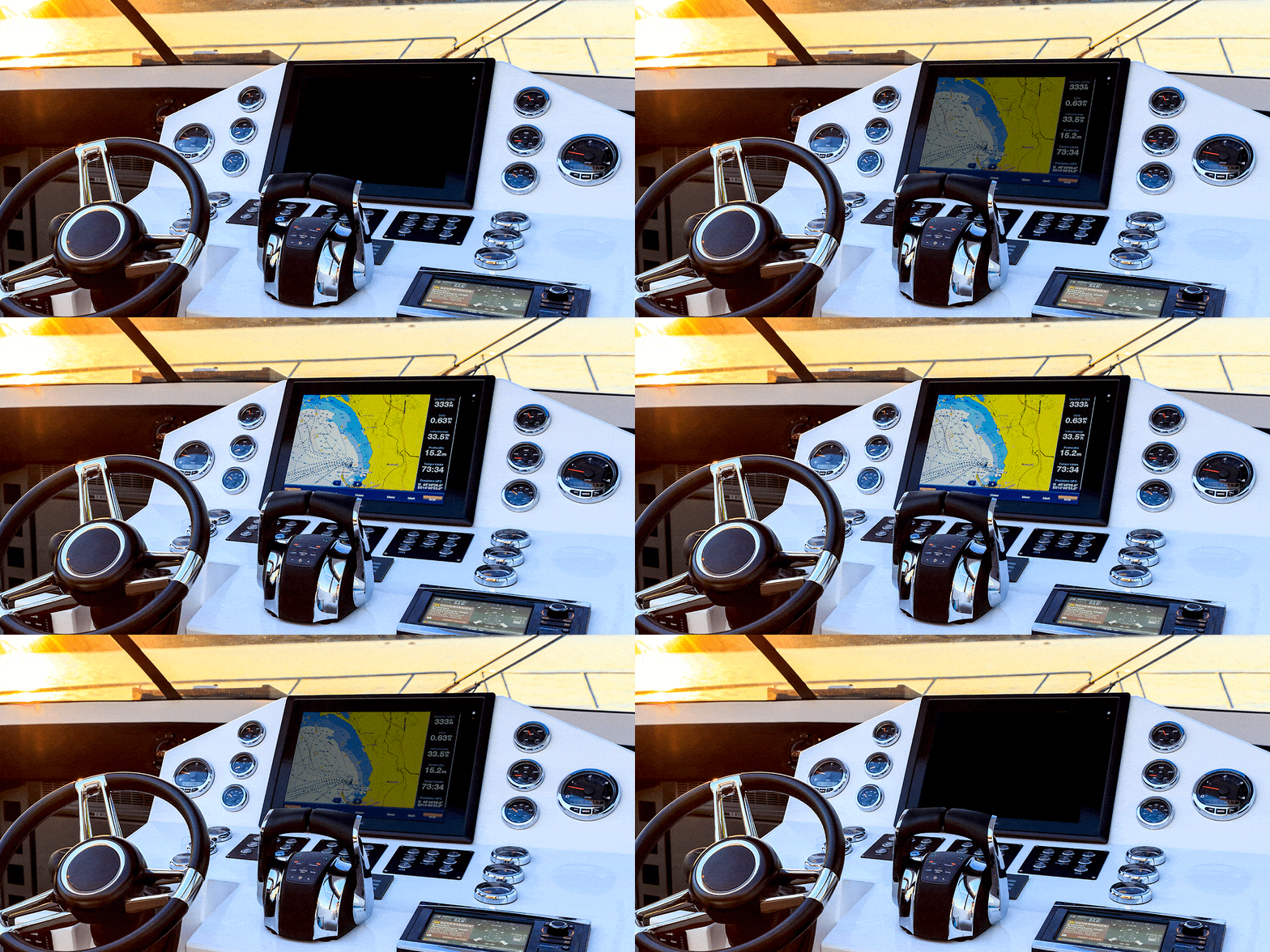
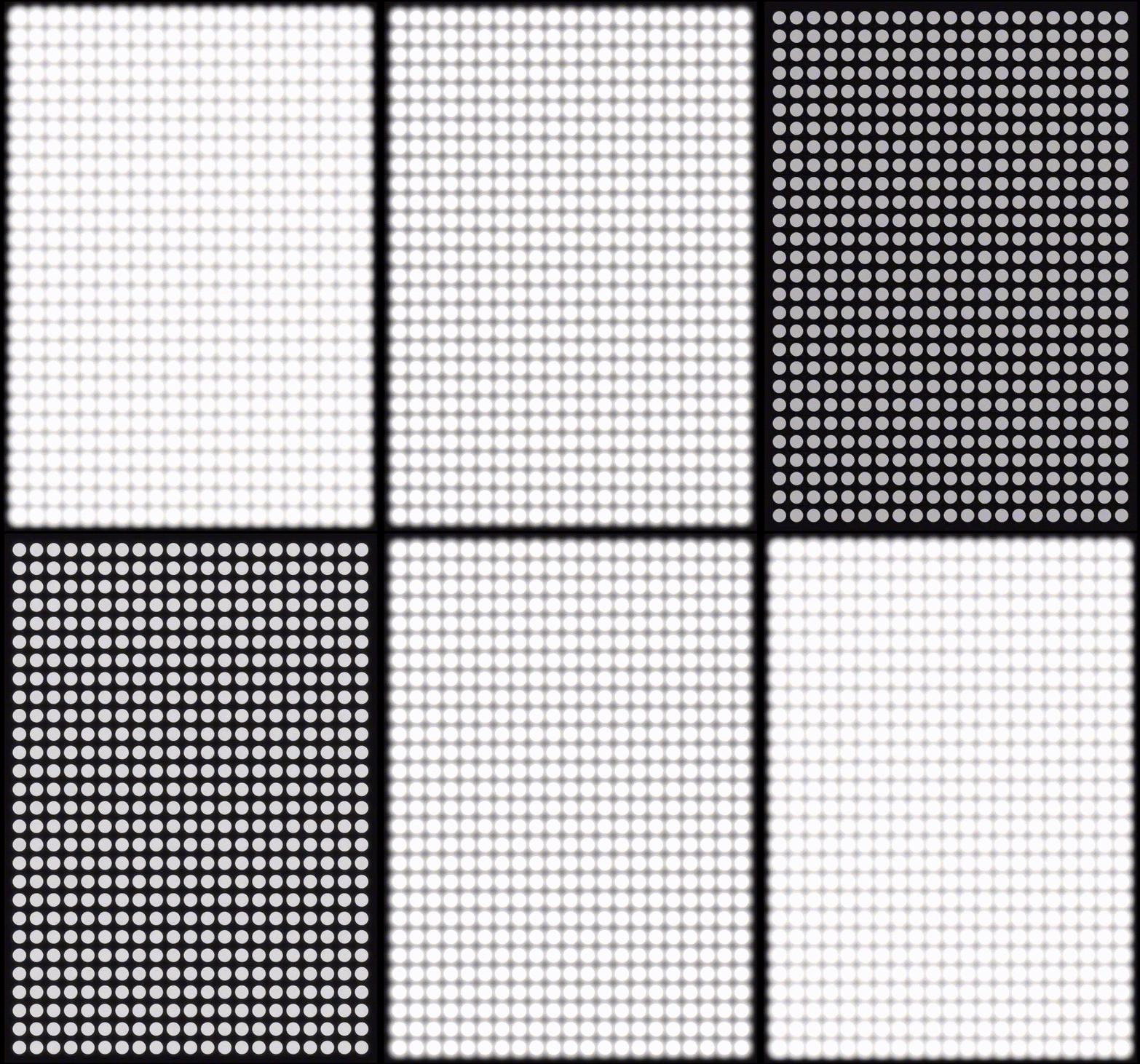
At EB-LCM, our Mini-LED display modules offer true local dimming, which means each backlight zone can be individually controlled.
Unlike some manufacturers who only simulate local dimming (or adjust the entire backlight at once), our technology assigns a dedicated light source to each zone. This allows for precise contrast control, more vivid color gradations, and a significantly more realistic viewing experience.
Mini-LED Backlighting can generally be categorized as:
- Direct-lit (uniform backlight)
- Local dimming (our solution)
True local dimming is achieved when the backlight intelligently adjusts in real time based on the image content. This enables bright highlights and deep blacks to coexist on the same screen, enhancing visual depth and detail.

How Does Our Dimming Algorithm Work?
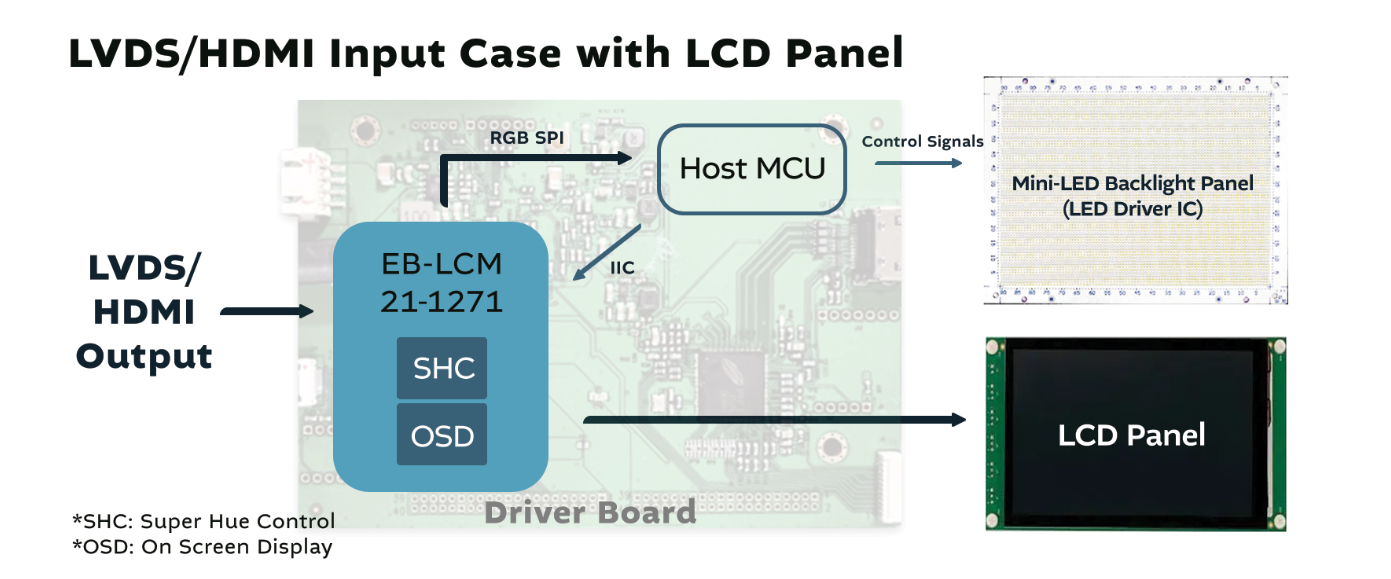
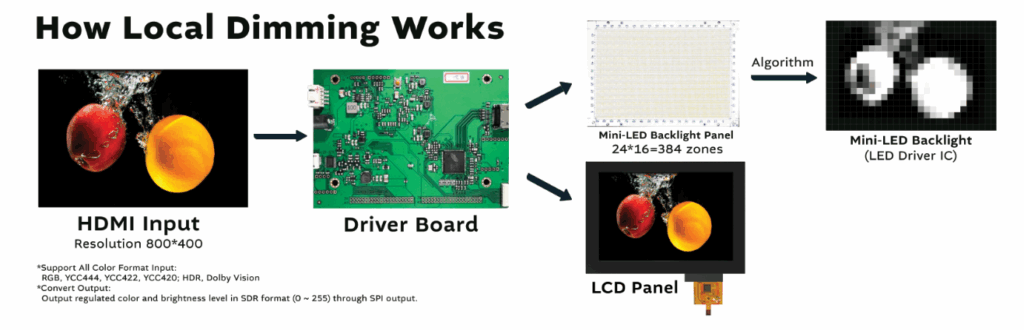
We use a custom-developed algorithm that analyzes RGB signals from the input content in real time. It calculates the optimal brightness level for each zone and dynamically adjusts the backlight accordingly.
This synchronization ensures accurate light output while minimizing unwanted halo effects, maintaining clarity and contrast across all scenes.
Supports up to 4096 levels of grayscale (12-bit precision)
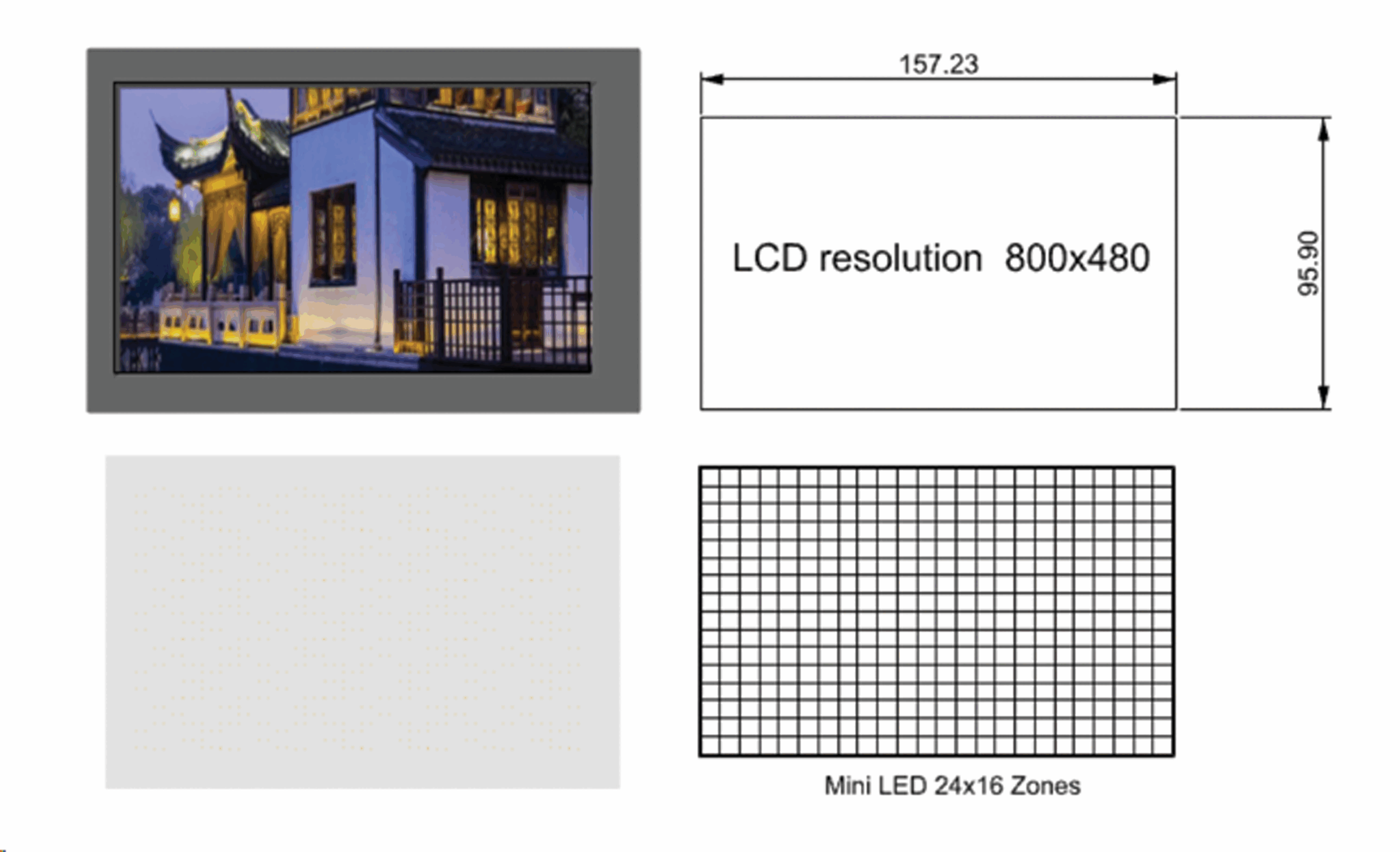
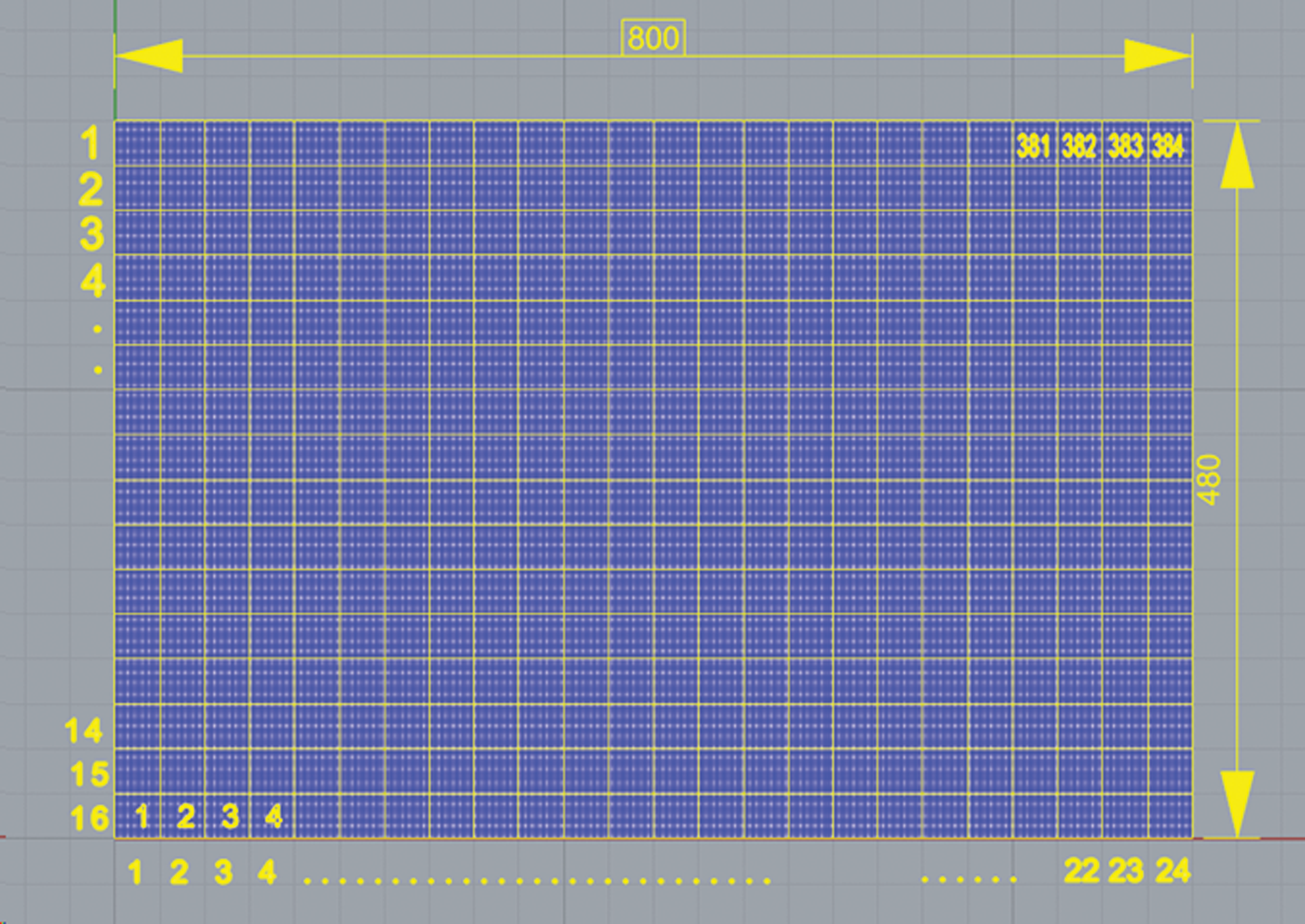
Zone options: 192 / 384 / 576 / 768 / 1152 … up to 3072 zones
The number of dimming zones can be flexibly adjusted based on screen size and application needs.We can customize based on your requirements. Feel free to let us know the scenario in which you’ll be using it, and we can provide the most suitable solution.

Mini-LED Allocation
How we algorithmize
Brightness
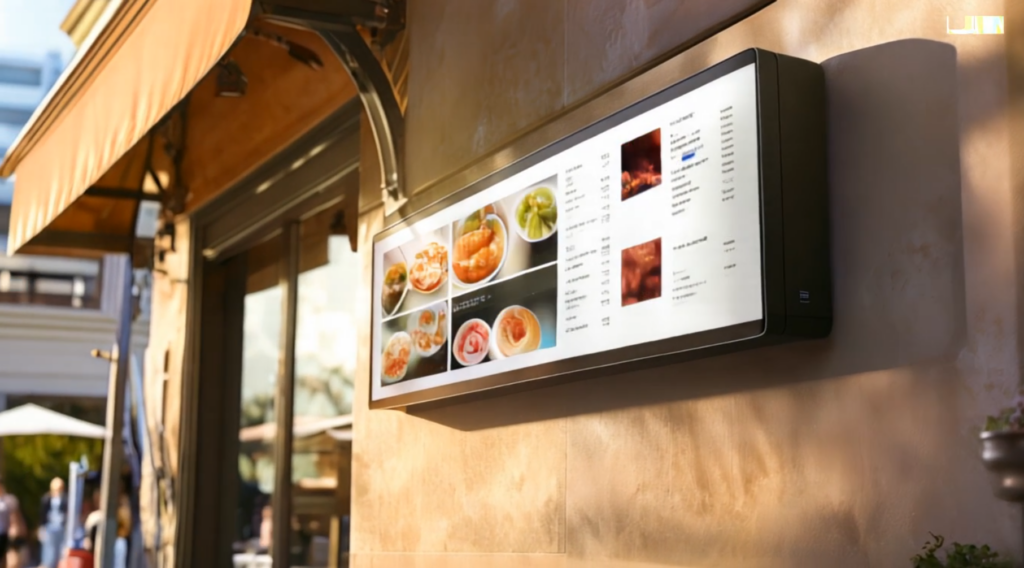
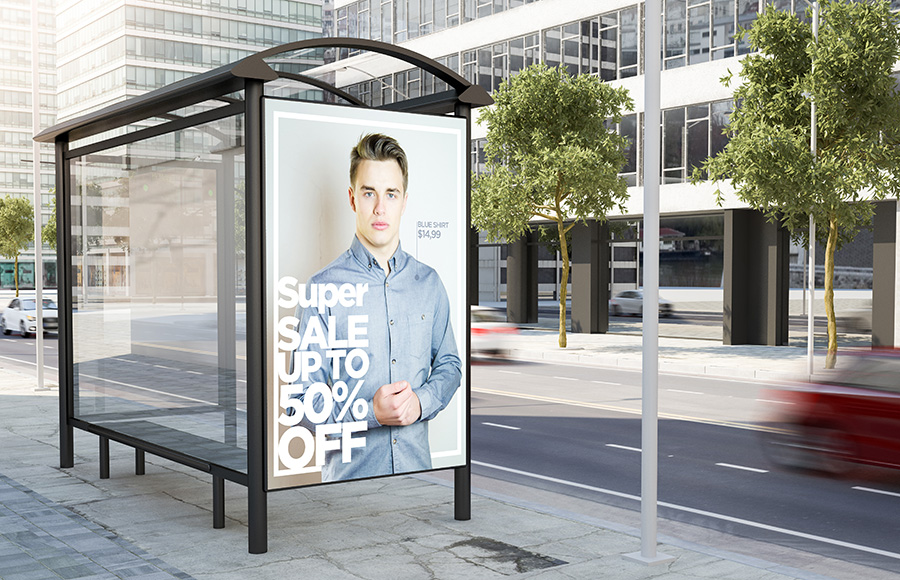
Standard: 2000 nits
High Brightness Version: 4000 nits
For professional displays: up to 10,000 nits
Feel free to let us know the scenario in which you’ll be using it, and we can provide the most suitable solution.
Why the Contrast Ratio Can Be Infinite
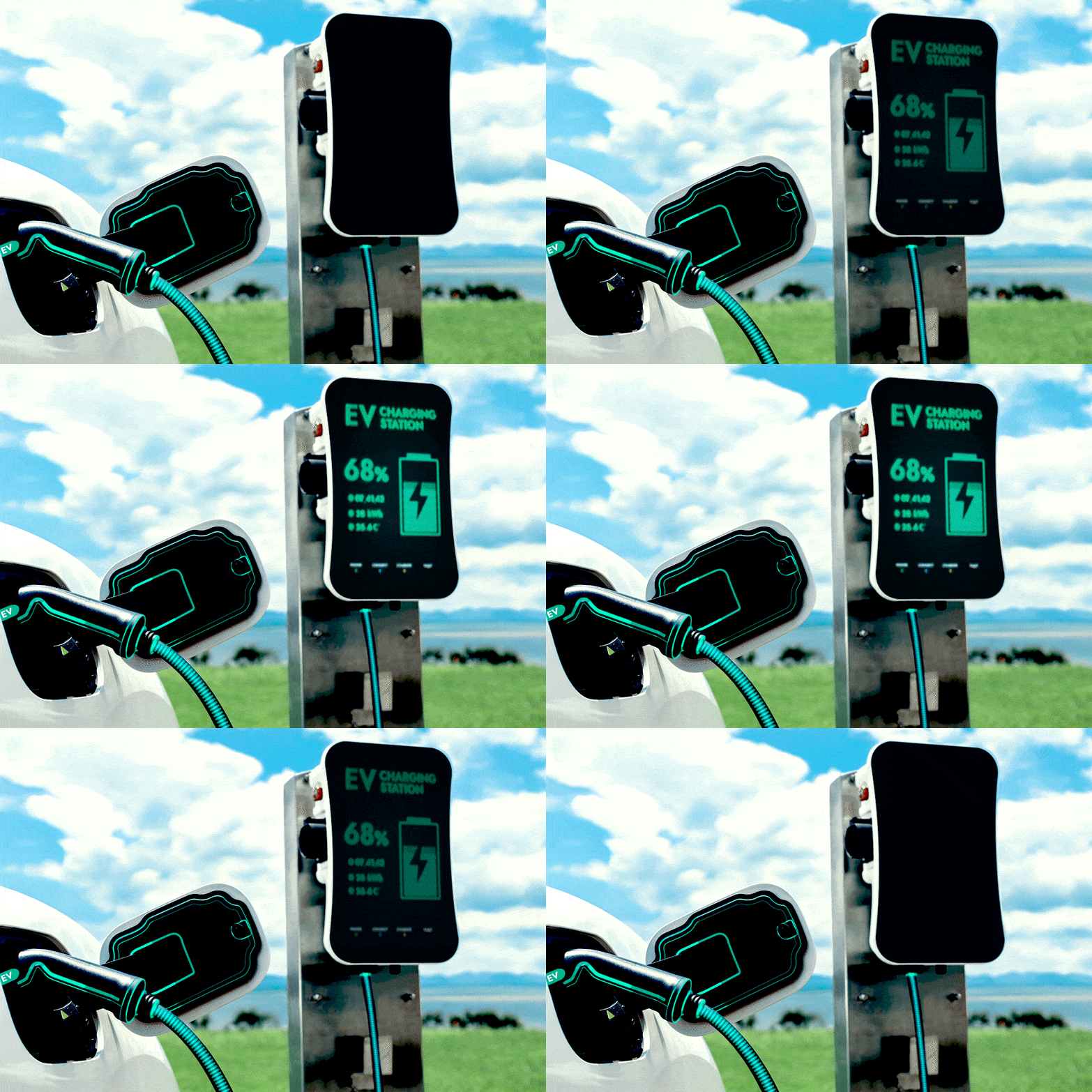
Mini-LED local dimming allows black areas on the screen to completely turn off, while bright areas remain fully lit.
This results in true blacks and high-brightness whites, achieving contrast ratios of 1,000,000:1 or more.
Example:
How It Saves Power and Extends Lifespan
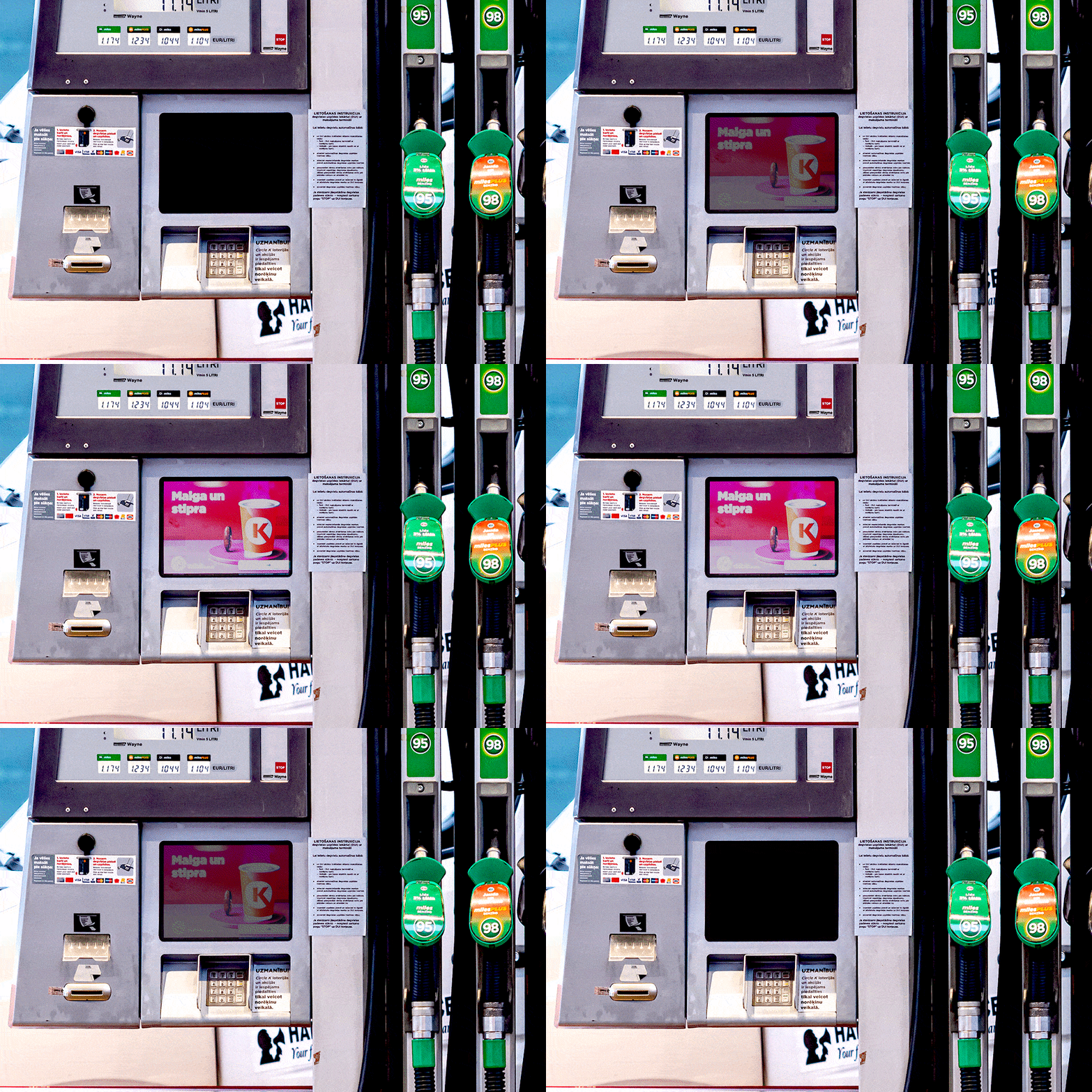
Dark scenes use less power since the Mini-LEDs can turn off completely.
With 4096 dimming levels, only the necessary LEDs light up, reducing power consumption by 40–50%.
This controlled lighting also helps extend the display’s lifespan by over 5,000 hours.
Example:
Supported Sizes (Minimum / Maximum)
Thanks to our modular design, we support a wide range of sizes:
Minimum: 5”, 7”, 8”, 10.1”
Maximum: 65” or larger (via tiled Mini-LED backlight panels)

Types of Signal Input & Resolutions
Support signal input:
- HDMI:
Commonly used in TVs, monitors, game consoles, laptops, and media players. - LVDS (Low-Voltage Differential Signaling):
Found in older laptops, industrial equipment, and built-in display modules. - DP (DisplayPort):
Used in desktop graphics cards, professional monitors, and multi-screen workstations. - eDP (embedded DisplayPort)”
Used in modern laptops, tablets, and all-in-one PCs (AIOs).
Available resolutions:
- VGA (640×480) – Found in older CRT monitors, legacy projectors, and early computers.
- SVGA (800×600) – Used in older LCD monitors, entry-level projectors, and basic embedded systems.
- XGA (1024×768) – Common in older business projectors, legacy medical and industrial displays.
- FHD (1920×1080) – Widely used in modern monitors, laptops, TVs, and smartphones.
- 4K (3840×2160) – Used in high-end TVs, professional monitors, video editing, gaming, and modern laptops.
Why Mini-LED Display Modules Vary in Thickness
The thickness depends on several factors:
a. Brightness – Thinner modules typically offer higher brightness due to the light source being closer to the panel. Lower brightness designs need more distance to avoid hotspots.
Lower Brightness – Need more distance

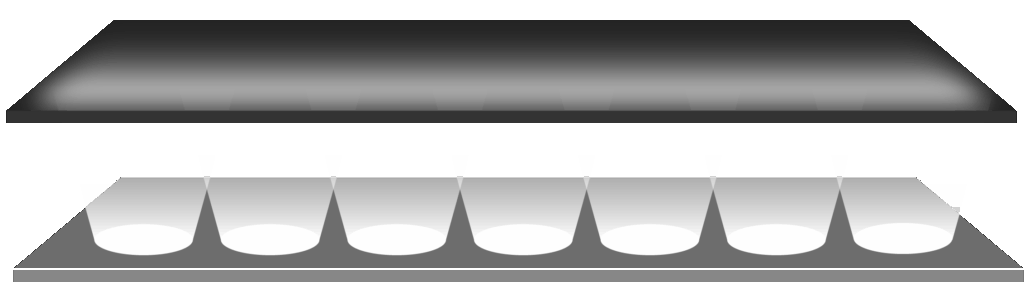
Higher Brightness – Thinner

b. Number of Dimming Zones – More zones mean a more complex backlight structure, which increases thickness.
c. Use of Optical Light Guides or Reflective Structures
d. Thermal Management – High-brightness versions require added heat dissipation, like aluminum heat sinks.
e. Design Requirements – Space constraints, bezels, and housing design can affect thickness.
When Should You Choose Mini-LED Displays?
Ideal for applications that require:
- High brightness and visibility in bright environments (outdoors, industrial)
- High contrast performance (medical imaging, video editing)
- Energy efficiency and smart backlight control
- High image quality and detailed visuals (automotive, aerospace, professional monitors)
- Thin form factors with large display sizes