2026 Best LCD Screen Options for Crystal Clear Display Quality?
When it comes to selecting an LCD screen, clarity and quality are essential. The market in 2026 offers a range of options that promise crystal clear displays. These advancements in LCD technology are transforming how we experience visuals, whether for work or entertainment.
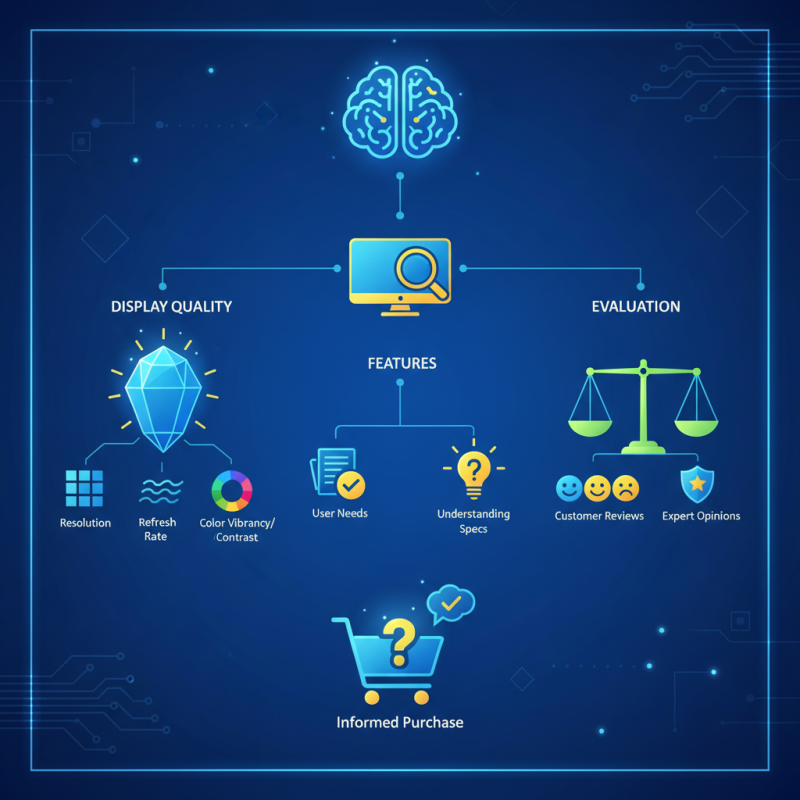
Each LCD screen has distinct features, from resolution to refresh rates. Understanding these can be daunting. Some screens excel in vibrant colors, while others focus on deep contrasts. It’s important to consider how each feature meets your specific needs. Not every option will be right for everyone.
While many screens claim the best display quality, not all deliver what they promise. Customer reviews and expert opinions play a crucial role here. This emerging field requires critical evaluation. Remember, what works for one may not work for another. Grasping the nuances of LCD screens can lead to a more satisfying choice. Consider carefully before making a purchase.
Overview of LCD Screen Technology and Its Importance
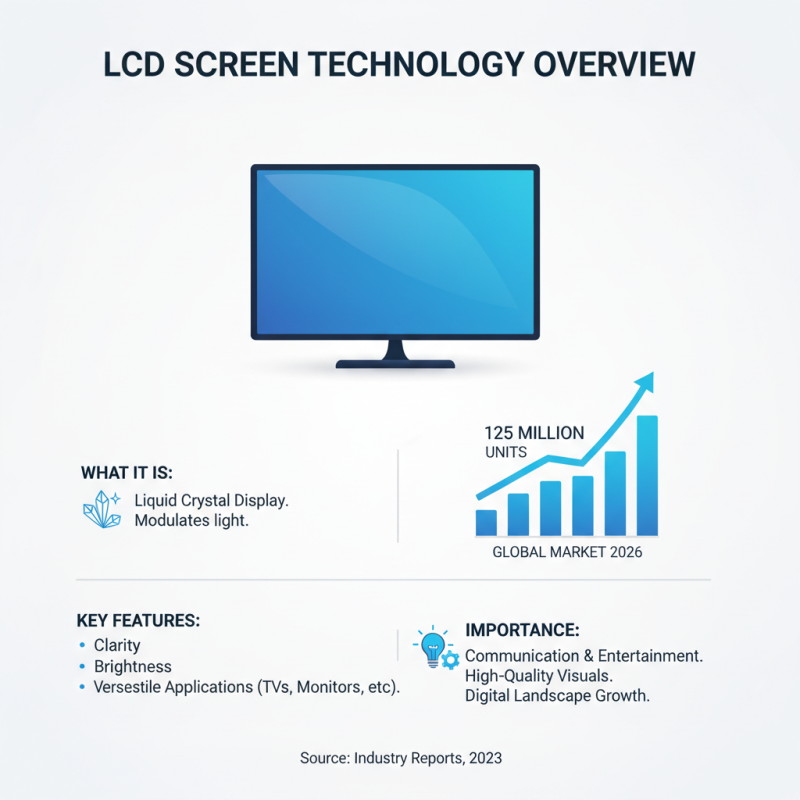
LCD (Liquid Crystal Display) technology has transformed visual experiences across various applications, from televisions to monitors. The clarity and brightness of LCD panels make them crucial for effective communication and entertainment. According to industry reports, the global LCD market is projected to reach 125 million units by 2026, highlighting its importance in today’s digital landscape. This growth emphasizes the need for high-quality displays that offer vibrant colors and sharp images.
Choosing the right LCD screen can be challenging. Factors like refresh rates, color accuracy, and resolution impact visual performance. For instance, a screen with 4K resolution (3840 x 2160 pixels) delivers more detail than a standard HD setup. However, users should be aware that higher resolution requires appropriate hardware to avoid lag.
Tip: Always consider the intended use of the display. For gaming, look for a panel with a high refresh rate of at least 120Hz. For photo editing, prioritize color accuracy with at least 99% sRGB coverage. Remember, a great screen can enhance your experience, but comfort and necessity should guide your choice. Balancing performance with usability is key.
Key Features to Consider for Optimal Display Quality
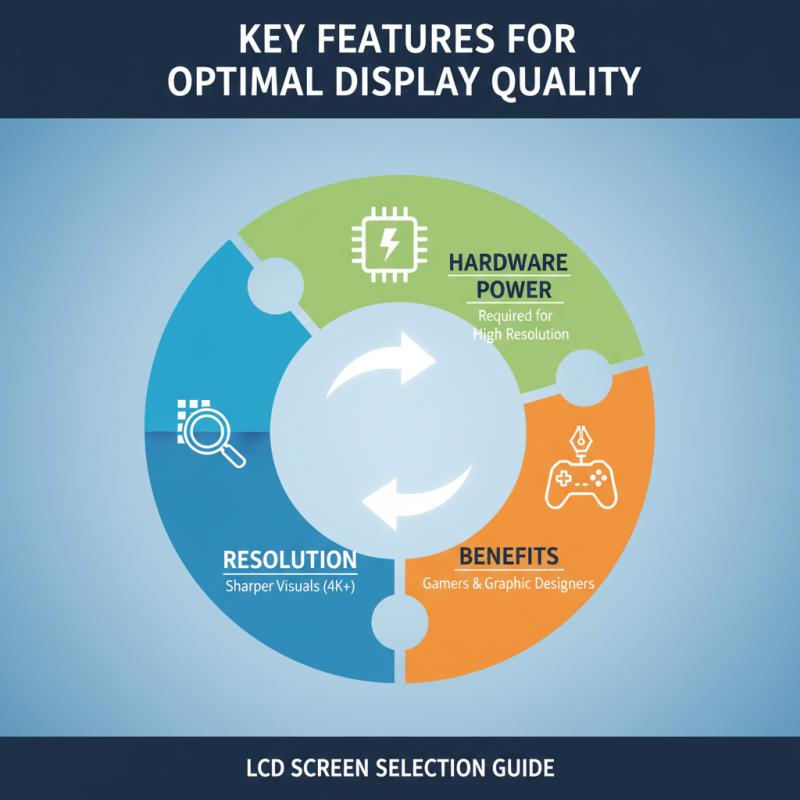
When choosing an LCD screen for optimal display quality, several key features come into play. Resolution is critical. A higher resolution provides sharper visuals, enhancing the overall experience. Industry reports indicate that screens with 4K resolution enable a more detailed picture, particularly beneficial for gamers and graphic designers. However, higher resolutions often require more powerful hardware to process.
Color accuracy is another vital aspect. A screen that covers a wide color gamut delivers more vibrant and true-to-life colors. According to the Display Performance Report 2023, displays that achieve 99% sRGB coverage are preferred by professionals in photography and design. Nevertheless, not all users may notice subtle differences in color accuracy, which can lead to over-choices based on specifications alone.
Refresh rates impact the viewing experience, especially for fast-moving content. A 120Hz refresh rate offers smoother motion, reducing blurring. However, this feature can drive up costs significantly, and some users may not perceive the difference unless closely observing high-energy content. Balancing these features according to your needs is crucial. Identifying your primary usage will ultimately inform the best LCD choice for you.
Top 2026 LCD Screen Models Reviewed for Clarity
When considering the best LCD screens for 2026, clarity is essential. A high-quality screen enhances your viewing experience, whether for work or leisure. Look for models with a resolution of at least 4K. This level of detail ensures that images are crisp and vibrant. Pay attention to color accuracy as well. Some screens may have vibrant colors but suffer from unrealistic tones.
Response times are also crucial. A quick response time is vital for gamers and those watching fast-paced videos. Lag can ruin the experience. On the other hand, not all models excel in this area. It's essential to read reviews and find trustworthy sources. Test in-store whenever possible to gauge performance firsthand.
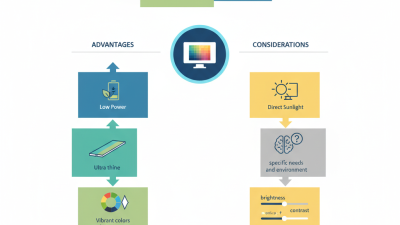
Some users find that brightness and contrast ratios affect their viewing experience. Too much brightness can cause eye strain. Consider dim settings for extended use. Think about your space and lighting as well. Reflections from windows or lights can hinder clarity. Finding the perfect balance takes time and testing. The quest for the ideal LCD screen is ongoing, reflecting personal preferences and environmental factors.
Comparative Analysis of Display Technologies: LCD vs. Others
When comparing LCD technology to OLED and QLED, several factors come into play. LCDs remain an industry standard for various applications. They provide solid performance in brightness and energy efficiency. A recent report noted that LCDs account for nearly 70% of the global display market share. Despite their advantages, they may suffer in contrast ratios compared to OLED, which can display true blacks.
The issue of viewing angles also affects user experience. LCDs typically have narrower viewing angles, leading to color and brightness shifts when viewed from the side. Research indicates that about 30% of users notice this limitation when positioned away from the center. In response, some manufacturers have introduced advanced versions with wider angles, yet they fail to match OLED's performance.
Moreover, the perception of color accuracy in LCD displays is another area of concern. Although advancements like quantum dot technology enhance color gamut, inconsistencies can still arise in peak brightness levels. This might leave users in a state of reflection regarding their display choices. The choice between display types should align with personal viewing preferences and the intended use.
Comparative Analysis of Display Technologies: LCD vs. Others
Maintenance Tips for Enhancing LCD Screen Longevity and Performance
Maintenance is key to prolonging the life of your LCD screen and ensuring optimal performance. One crucial aspect is cleanliness. Dust and fingerprints can obscure clarity. Regularly using a microfiber cloth can help keep the surface spotless. Surprisingly, industry reports show that screens can lose up to 30% of brightness due to dirt accumulation. Therefore, a simple cleaning routine can significantly enhance your viewing experience.
Another essential tip involves temperature regulation. LCD screens operate best between 20°C and 25°C. Extreme temperatures can warp components, potentially leading to display issues. Avoid placing your device near heat sources or in direct sunlight. Studies indicate that prolonged exposure to high temperatures can shorten lifespan by up to 50%. Creating a stable environment is crucial for maintaining display integrity.
Lastly, powering down devices when not in use extends lifespan. Continuous operation can lead to heat buildup, affecting performance. A report from a leading tech journal found that devices left on all day can experience a 40% decrease in longevity. Taking time to power off can be impactful. These practices, while simple, require consistent effort and reflection to realize their benefits fully.
2026 Best LCD Screen Options for Crystal Clear Display Quality
| Model |
Resolution |
Screen Size |
Brightness (cd/m²) |
Contrast Ratio |
Refresh Rate (Hz) |
Price ($) |
| Model A |
3840 x 2160 |
27" |
350 |
1000:1 |
60 |
499 |
| Model B |
1920 x 1080 |
24" |
250 |
800:1 |
75 |
199 |
| Model C |
2560 x 1440 |
27" |
300 |
1000:1 |
144 |
379 |
| Model D |
3840 x 2160 |
32" |
450 |
1200:1 |
60 |
749 |
| Model E |
1280 x 720 |
19" |
200 |
600:1 |
60 |
99 |